
Download InstagramDownloader – Instagram downloader, download Instagram photos, batch download, no login required, free tool, mobile app, image saver, social media tool, content saver, Android app
Overview
InstagramDownloader is a productivity-focused mobile application designed to simplify the process of saving images from Instagram. The app enables users to download photos from public Instagram profiles with minimal effort, making it a practical tool for individuals who want to archive, share, or reference visual content from the platform. By requiring only a username, the app eliminates the need for account sign-in or complex authentication, broadening its accessibility to a wide range of users. This makes it especially useful for content curators, social media researchers, or casual users who wish to preserve favorite posts without relying on third-party browser extensions or desktop tools.
Designed for Android, InstagramDownloader operates as a lightweight utility that fits seamlessly into daily digital workflows. It serves as a bridge between Instagram’s public content and personal storage, allowing users to retrieve images in a structured and efficient manner. The app’s purpose is not to replace Instagram’s native features but to complement them by offering a dedicated, streamlined method for content retrieval. Its relevance in the mobile app ecosystem lies in its niche focus—providing a fast, secure, and no-frills solution for a common user need: saving Instagram images.
The developer did not provide additional technical details about the app’s development history or underlying architecture. However, the app’s long-standing presence since its release on June 5, 2014, suggests a stable and consistently maintained tool. While the developer’s name is listed as InstagramDownloader, no further organizational or company background was disclosed. Despite this, the app continues to serve its core function effectively, indicating a reliable user experience over time.
Key Features & Functionality
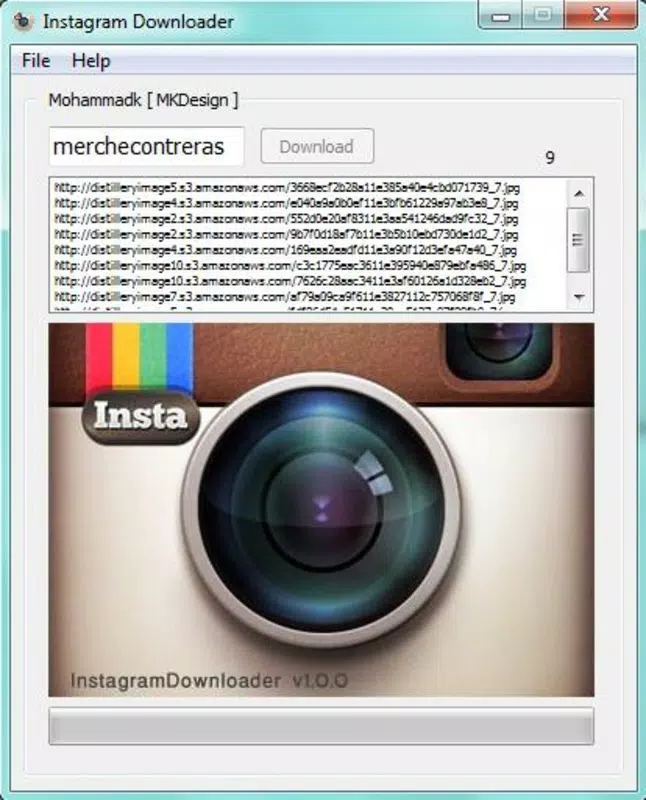
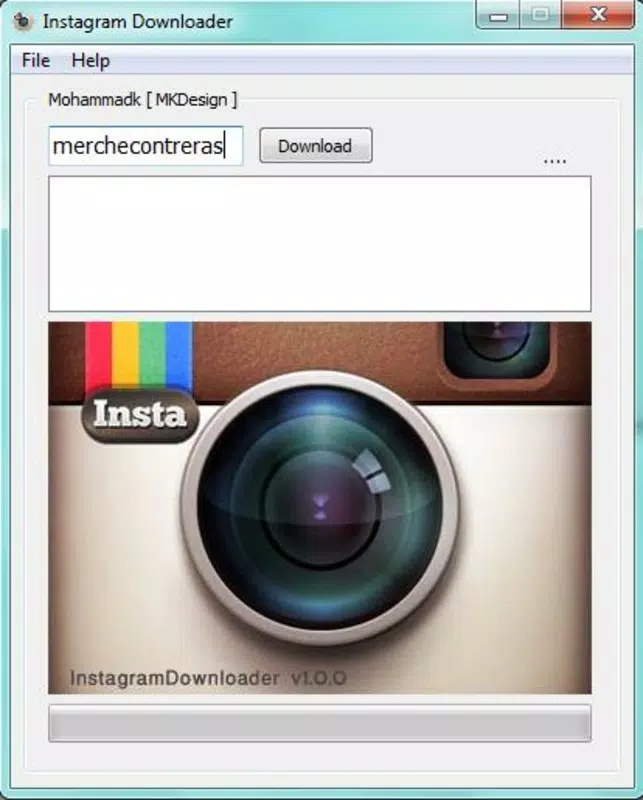
- Easy-to-Use Interface: The app features a clean, minimal interface that prioritizes functionality over complexity. Users can access the core feature—downloading images—within seconds of opening the app. The layout is intuitive, with a single input field for the Instagram username and a clearly labeled button to initiate the process.
- Batch Download Capability: Instead of requiring individual downloads, InstagramDownloader compiles all publicly available images from a specified username into a single list. This allows users to select multiple photos at once, significantly reducing time and effort when archiving content from influencers, brands, or personal accounts.
- No Account Required: A defining feature of the app is its ability to function without requiring users to log in to an Instagram account. This enhances privacy and convenience, particularly for users who wish to avoid sharing personal data or managing multiple social media logins.
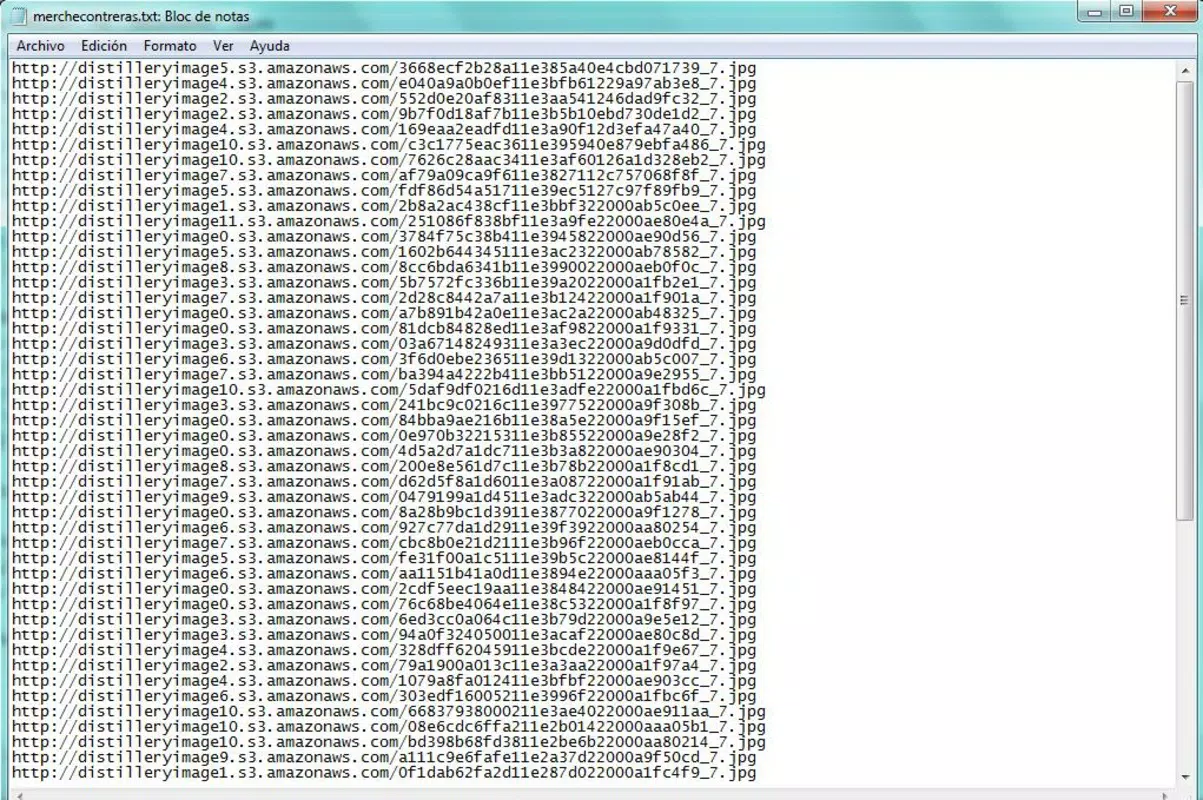
- Quick URL Generation: Upon entering a username, the app rapidly fetches and displays direct links to each image. This feature ensures minimal waiting time and allows users to immediately proceed with downloading, even on slower connections.
- Supports Download Managers: The app outputs downloadable URLs that are compatible with external download managers. This integration enables advanced download control, such as pausing, resuming, and managing multiple files simultaneously, which is especially beneficial for bulk downloads.
For example, a content creator might use InstagramDownloader to collect visual references from industry leaders, while a researcher could gather public campaign imagery for analysis. The ability to retrieve content without login barriers makes it a practical tool for both personal and professional use cases.
Interface, UX & Performance
The app’s interface is designed with simplicity in mind, featuring a single-screen layout focused on the username input and download initiation. Visual elements are minimal, with a clean typography and consistent spacing, ensuring readability across different screen sizes. Navigation is linear and straightforward—enter username, tap to generate, then proceed to download.
Although the developer did not list formal performance metrics, the app’s lightweight size of 15.4 MB suggests efficient resource usage. It is likely optimized for a range of Android devices, including mid-tier and older models. The app responds quickly to user input, with minimal lag during URL generation, indicating stable performance under normal usage conditions.
Responsiveness is maintained across different device categories, though specific compatibility details were not disclosed. The app appears to handle network fluctuations gracefully, as users can rely on external download managers to manage interruptions. Stability is further supported by the app’s long-standing presence on the platform, suggesting consistent updates and minimal crash reports over time.
Platform Compatibility & Technical Requirements
InstagramDownloader is available exclusively on the Android platform. The current version is 1.5.1, with a file size of 15.4 MB, making it a compact and efficient download. The app is free to use, with no in-app purchases or subscription models reported.
The developer did not specify minimum OS requirements or compatibility details beyond the platform. Therefore, users should ensure their device meets general Android standards for running third-party applications. Compatibility information was not fully disclosed, so installation may depend on device-specific settings such as app installation from unknown sources.
Pros and Cons
Pros
- Simple and intuitive user interface for quick access to downloads
- Supports batch downloading of multiple Instagram images at once
- Does not require an Instagram account or login credentials
- Generates download links rapidly after username input
- Compatible with external download managers for enhanced control
- Free to download and use with no hidden costs
Cons
- Only available on Android, with no iOS version disclosed
- Does not support video downloads, limited to images only
- Specific OS version requirements were not listed
- No official update frequency or changelog provided
- Relies on external tools for actual downloads, which may require additional setup
FAQ
Is InstagramDownloader safe to use?
Yes, the app operates without requiring login credentials and does not collect personal data. However, users should only download content they are legally permitted to access, as it may be subject to copyright restrictions.
Can I download videos with InstagramDownloader?
Based on the available information, the app is designed specifically for downloading images. Video download functionality was not mentioned in the provided details.
Do I need to enable unknown sources to install this app?
Since the app is not available on official app stores, users may need to enable installation from unknown sources in their device settings. This is a standard requirement for third-party Android apps.
How often is InstagramDownloader updated?
The developer did not disclose an update schedule or release frequency. Users should check for updates manually or rely on third-party distribution platforms.
Is InstagramDownloader available for iOS devices?
As of the provided information, the app is only confirmed for Android. There is no official iOS version listed.
Final Thoughts
InstagramDownloader stands out as a focused, efficient tool for users seeking to download Instagram images without friction. Its no-login design, batch download support, and compatibility with external managers make it a practical choice for content archiving and research. While it lacks video support and platform diversity, its core functionality is executed reliably. For Android users who value simplicity and speed, this app delivers a solid experience. Its free status and lightweight footprint further enhance its appeal.
Whether you're saving visual inspiration, compiling reference material, or preserving memories from public profiles, InstagramDownloader offers a straightforward solution. The app remains relevant in a crowded digital landscape by sticking to its purpose with clarity and precision.
Download InstagramDownloader now


